Organizing Your Expenses by Supplier
Associating your expenses with specific suppliers allows you to generate more granular financial reports and better understand your business spending.
Creating a Supplier
During Expense Creation
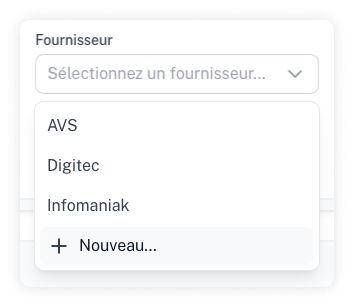
While you are recording a new expense, you can create a new supplier directly from the dropdown list by selecting "New."
From Settings
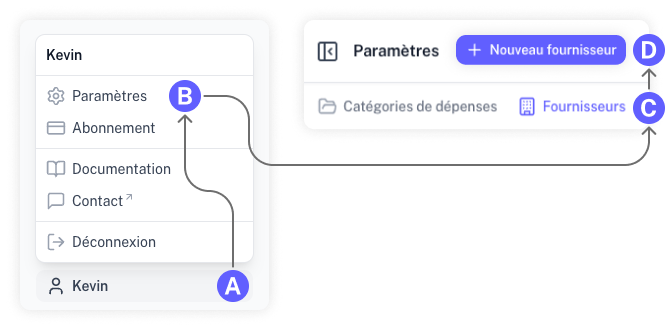
Go to the "Settings" menu, select "Suppliers," and click "New Supplier."