Currency Rounding
It is now possible to automatically round the amounts of items added to your invoices or quotes.
To do this, enable the "Rounding" option in your account settings.
It is now possible to automatically round the amounts of items added to your invoices or quotes.
To do this, enable the "Rounding" option in your account settings.
You can now log in to Factura with a password!
Once your password is set, you will no longer receive a login link by email.
You can disable password login and return to email link login at any time in your account settings.
You can now duplicate an expense directly from the expense list, by clicking on the "Duplicate" entry in the menu next to each expense.
All information from the expense will be copied, except for the number, date and attachment.
In the reports, the "Today" period did not display the day's entries. This is now fixed.
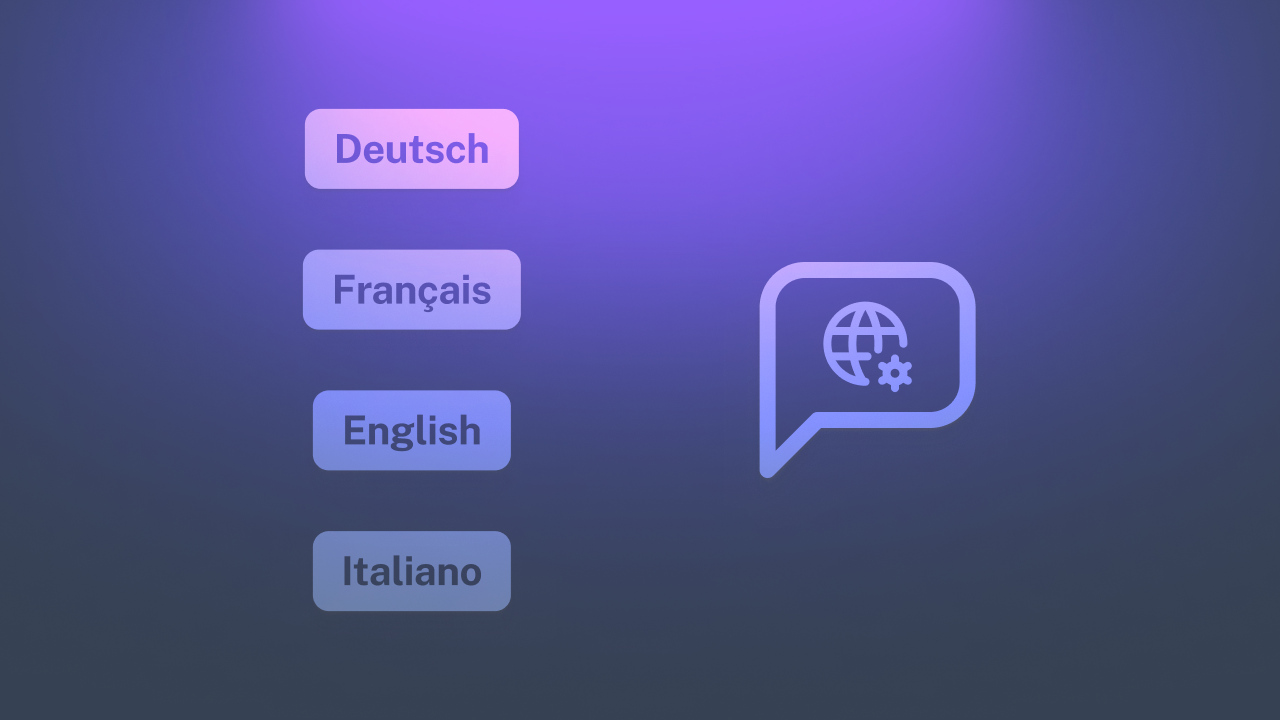
Following the launch of the English version, Factura is now available in German as well.
The Italian version is being prepared and will be available soon.

The application and the website are now available in English! You can change the language in your user profile.
German and Italian will also be available soon.
If you come across texts that have not been translated yet, please let us know.

Invoices and quotes now include a discount feature. You can choose whether it is a fixed discount or a percentage. The total is automatically updated based on the discount. The discount is also visible on PDF exports.
You can now generate payment confirmations in PDF format. The functionality is accessible via:
Invoice and quote lists can now be exported in CSV format.
Fixed an issue with displaying sales and expense report charts.
You can now create invoices and quotes using hourly billing instead of a flat rate.
It is possible to define this mode in the settings, as well as indicate your hourly rate so that new quotes and invoices are automatically created in hourly mode.
Finally, you can always switch from one mode to another directly when creating a quote or invoice.
Sales, profit & loss, expenses, and VAT reports can now be exported to Excel (CSV) format in addition to PDF format.
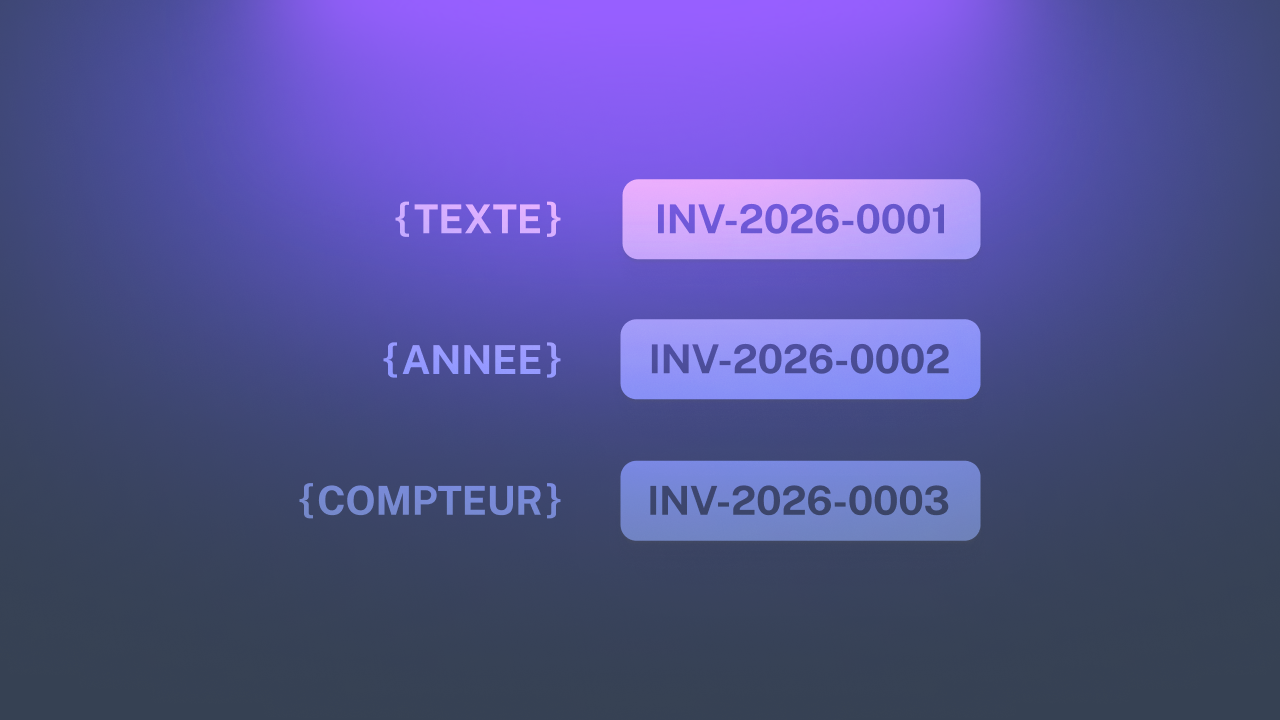
You can now customize and set your own numbering for quotes, invoices, payments and expenses instead of the default random format.
Several variables are available:

In addition to client imports, you can now import up to 100 expenses at once using a CSV file.
Furthermore, expense categories and associated vendors can be automatically created during the import process.
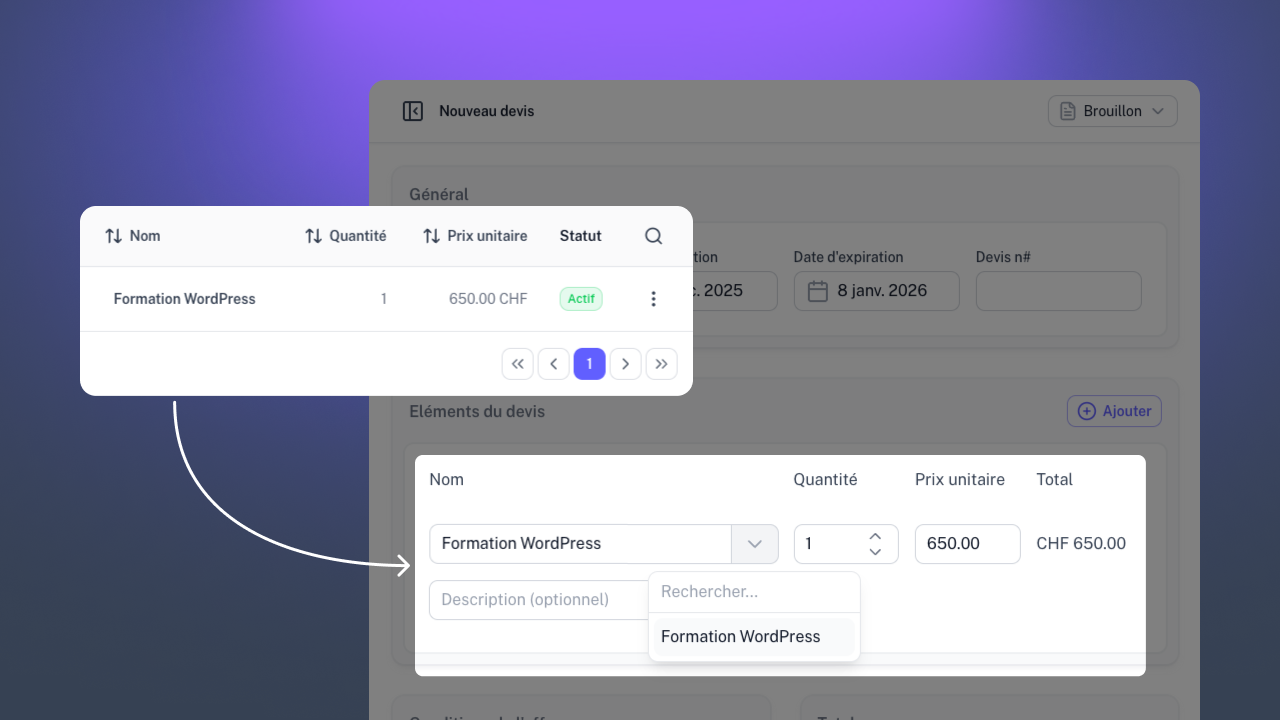
Are you frequently billing the same services or products? You can now save them so you don't have to manually enter them each time you create a quote or invoice.
Go to the settings of your account and then to the "Items" section to save your products.
You can now choose whether your logo is in a square or landscape format, allowing you to adjust the PDF export settings for invoices and quotes accordingly.
You now have the ability to import up to 100 customers simultaneously using a CSV file.
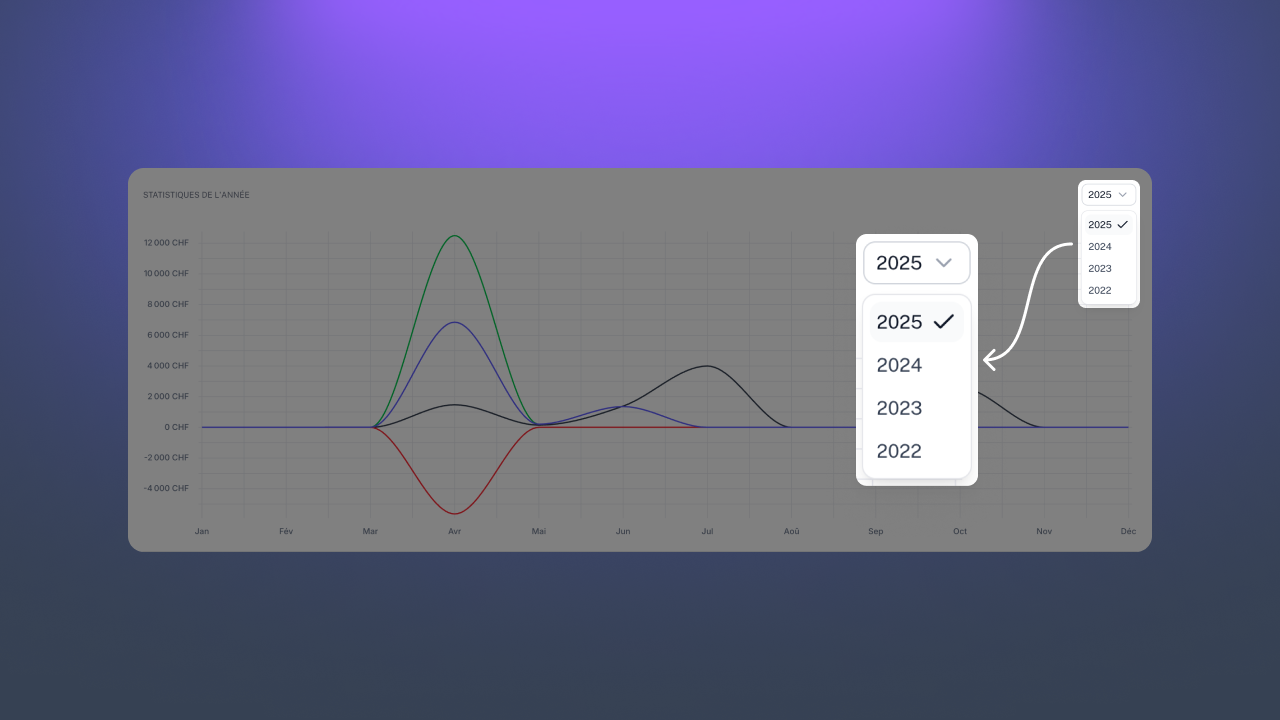
You can now select previous years on the dashboard chart to display previous years' statistics.

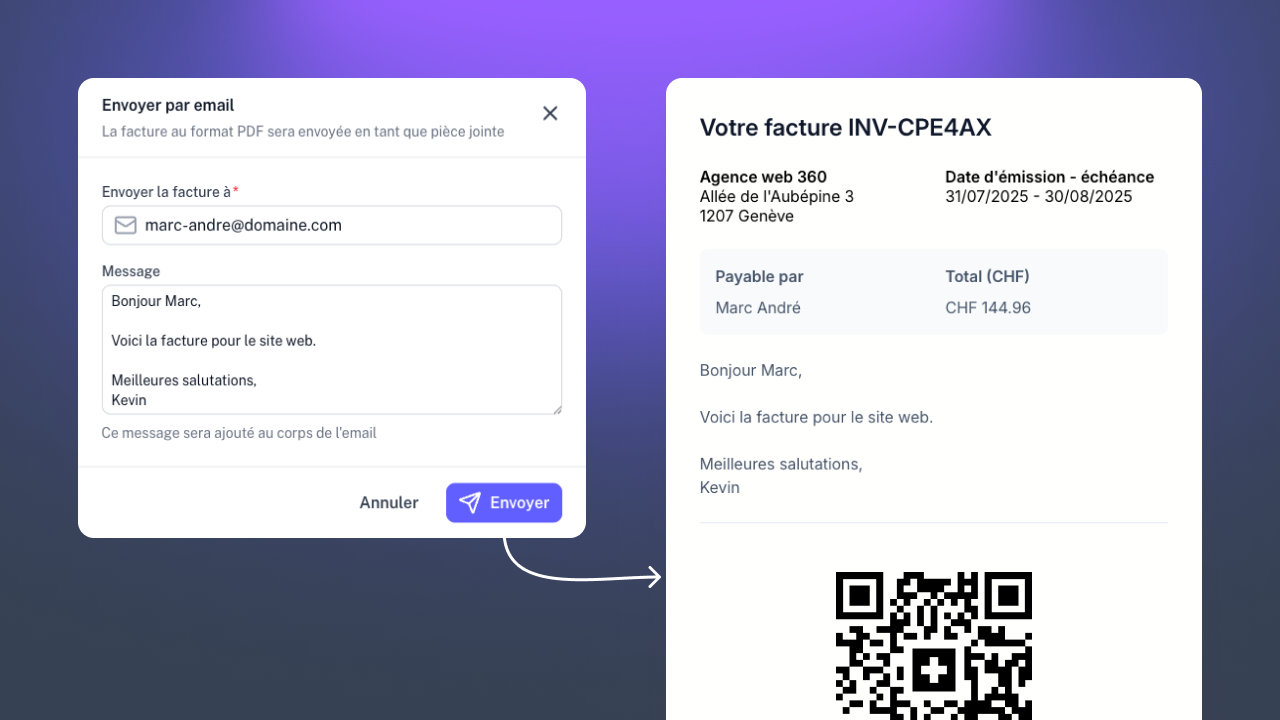
Invoices can now be sent directly by email! The message is customizable, and the email automatically includes the invoice in PDF format as an attachment, along with a direct link for payment via TWINT (if configured).

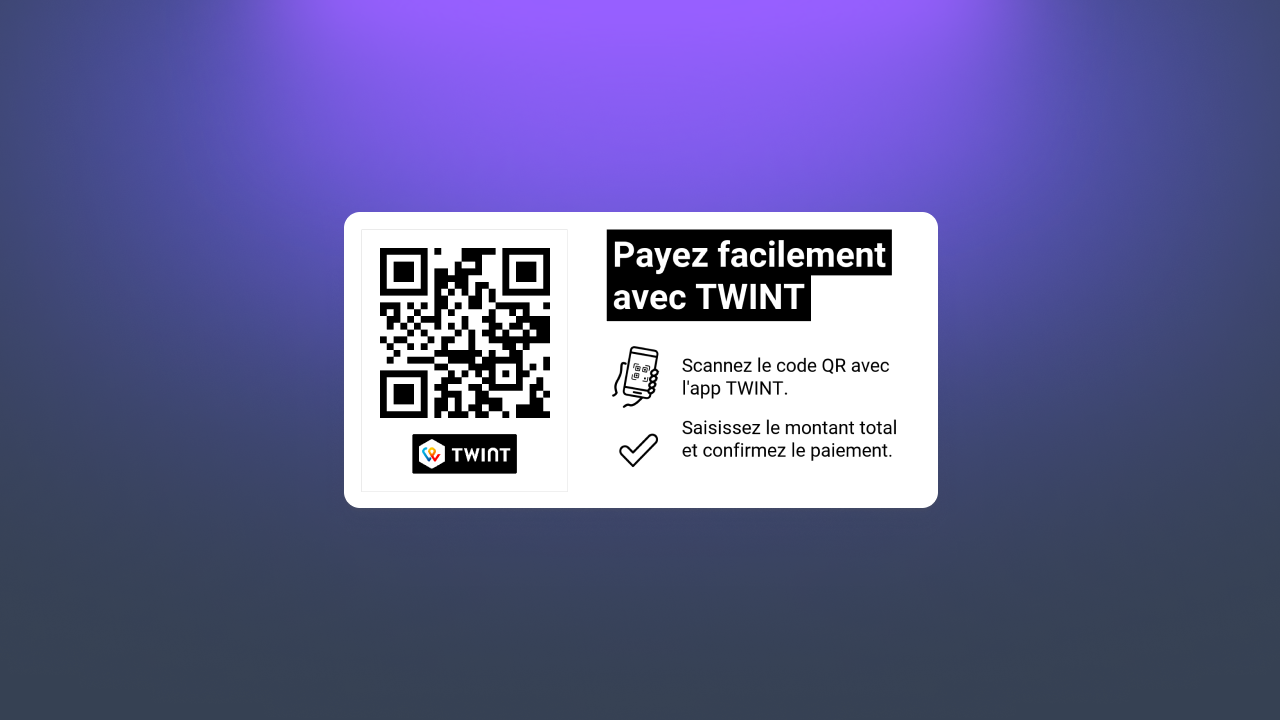
You can now add your TWINT QR code to your invoices! Follow our guide to learn more.
The dashboard chart now displays invoices based on the month they were created, rather than the month they are due.
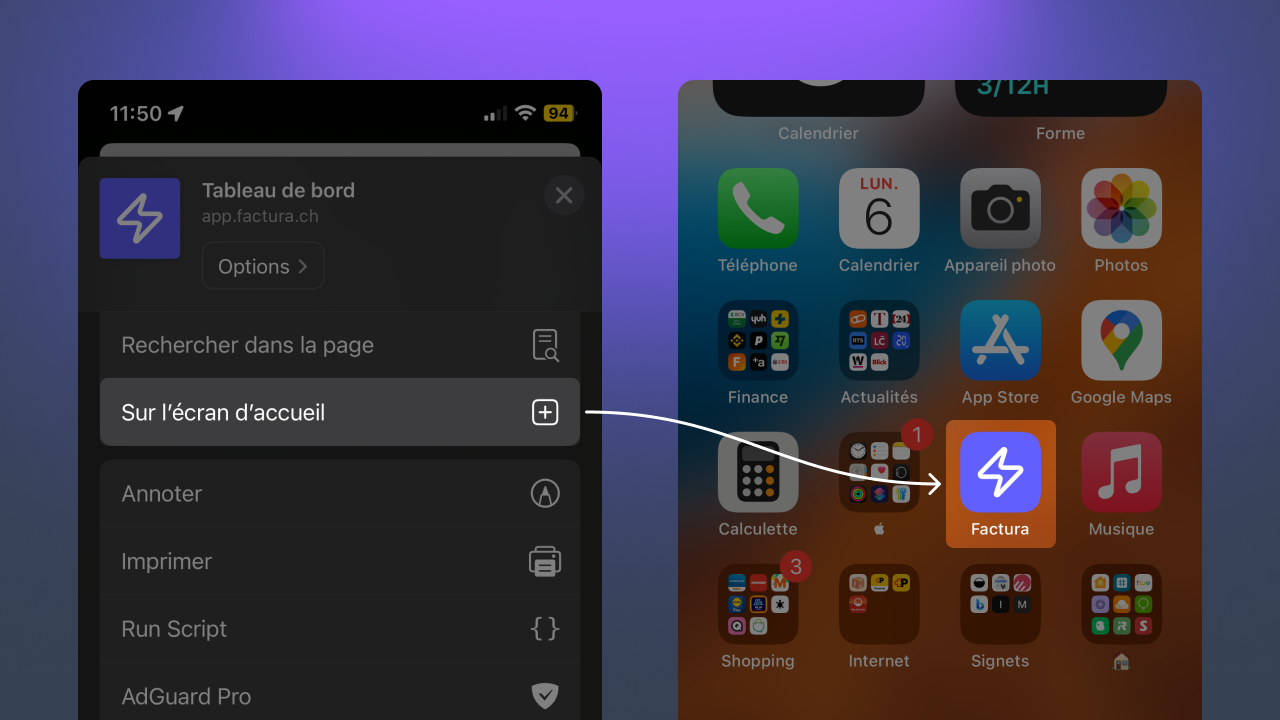
You can now add Factura to your home screen (on both iOS and Android) for quicker access!

Improved connection for Safari users; you no longer need to allow pop-up windows to connect with Google or Infomaniak.
Factura is now available to all users! Please feel free to submit a bug report if you encounter a problem.