Payments
Tracking payments allows you to record the money coming into your business.
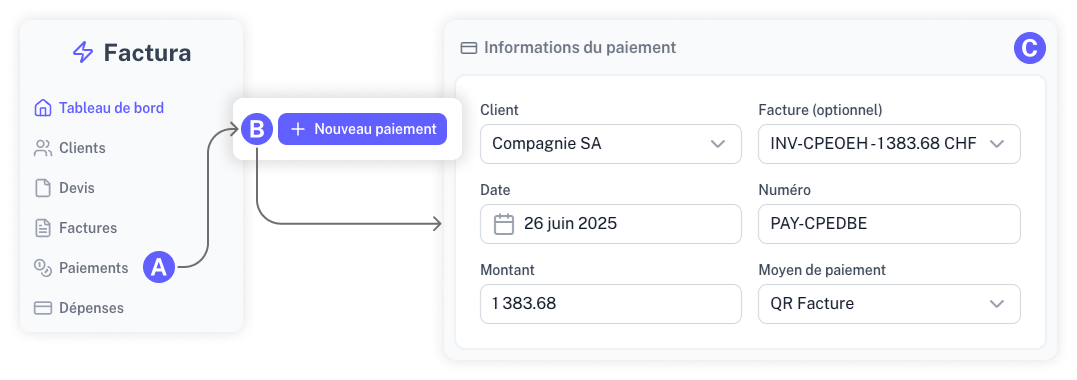
Recording a Payment
To record a payment, head to the "Payments" section and click "Record Payment." Enter the relevant details for the transaction.
Adding a Payment Directly from an Invoice
The most efficient way to record a payment is directly from the source. Open the details of the invoice and click "Record Payment."
The payment information will be automatically pre-filled using the invoice's data (client and amount).