Creating an Estimate or Invoice
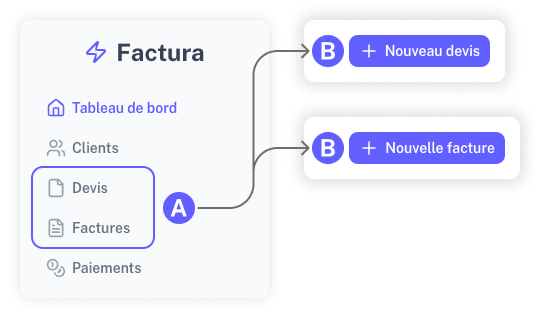
You can create estimates or invoices from their respective sections: "Estimates" or "Invoices." The process is nearly identical for both document types.
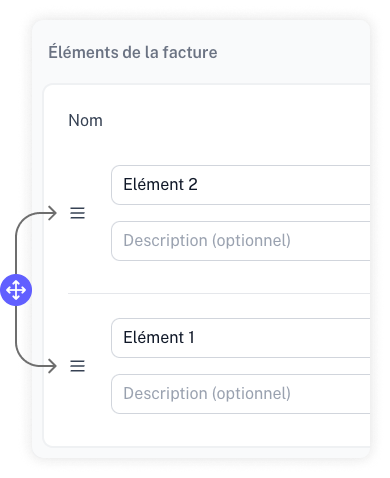
Reordering Items
If your document contains multiple items, you can easily reorganize them by dragging and dropping them into your preferred order.
Estimate Signatures
You can add a signature field to your estimates. When enabled, a date and signature field will appear at the bottom of your estimate PDF exports, allowing your clients to sign and approve your estimates.
To enable this feature, go to your account settings under Billing Preferences and toggle Add a signature field on estimates.
Choosing a Specific Bank Account
If you have saved more than one bank account, a "Bank account" dropdown appears when creating or editing an invoice, in the "Notes and payment terms" section. It lets you choose, for that specific invoice, a different account than the one set as default.