Report a Bug
Found a bug while using Factura? We'd love to hear about it! Log in to your account and click on the "Report a Bug" menu.
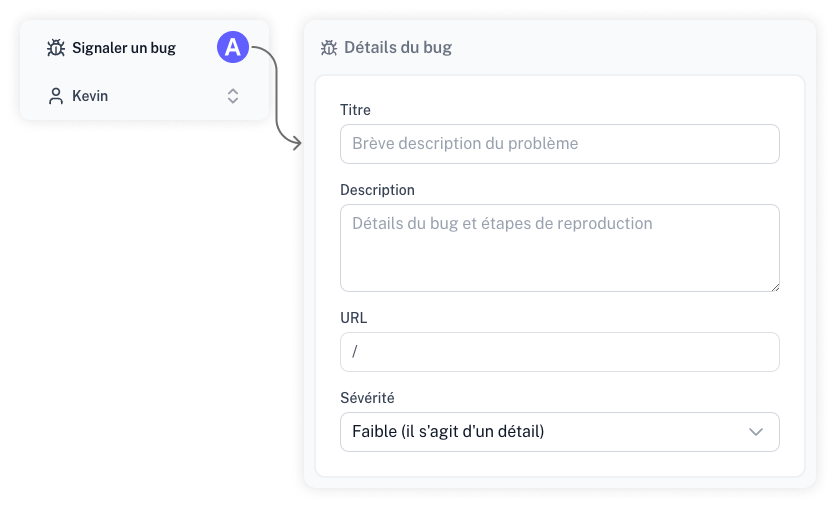
Bug Report Details
- Title: Provide a brief summary of the issue.
- Description: List the steps or actions required to help us reproduce the problem.
- URL: This field is automatically filled based on the page where you initiated the report.
- Severity: Indicate how much the bug is impacting your workflow.
- Include Diagnostic Data: This information is anonymous and helps us understand your device type and browser. Including it is optional but highly helpful.
By reporting issues you encounter, you are helping us build a better platform. Thank you!