Google Chrome Extension
Swiss QR Code Generator
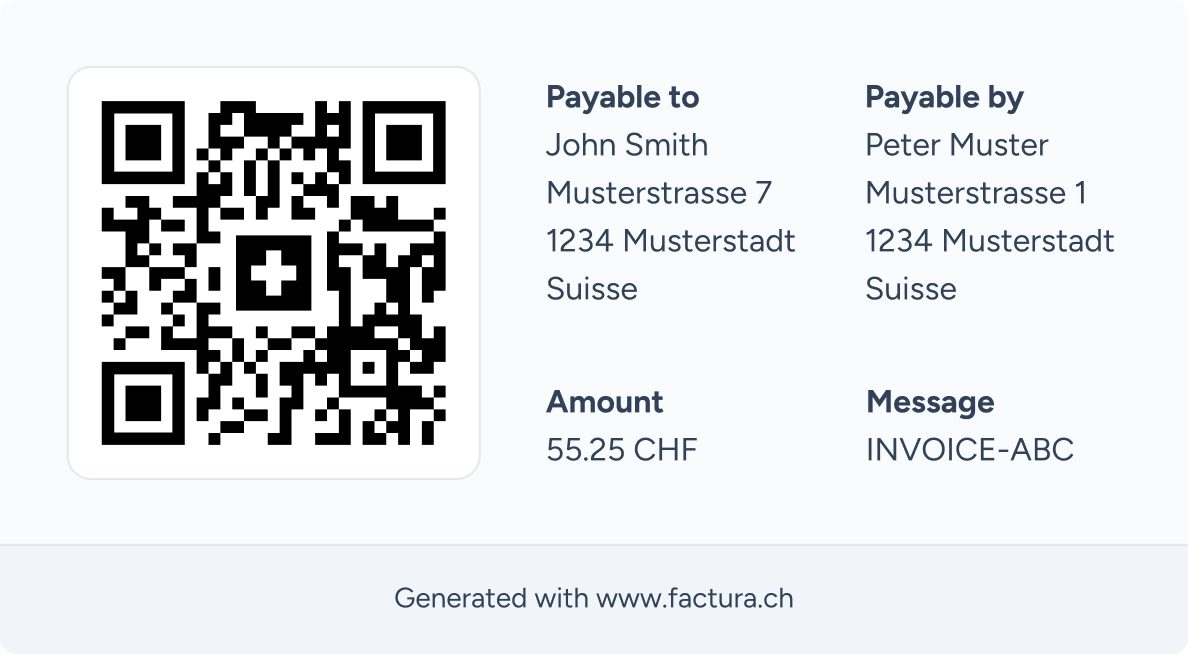
Easily add QR codes to your invoices with our free browser extension. Fill in the information, generate and share them as you wish.
- Payment InformationEnter the amount to pay, select the currency and provide an optional message.
- BeneficiaryEnter your personal details (IBAN, name, address).
- DebtorEnter the details of the person who will pay your invoice.
- Generate and ShareYou then get a QR code accepted by all Swiss banks that you can share as you wish.
- Guaranteed SecurityYour data is never transmitted online and the generation is done on your computer.
Download for freeAvailable for Google Chrome and all Chromium-based browsers: Arc, Brave, Opera, Microsoft Edge, ...
Need more features?
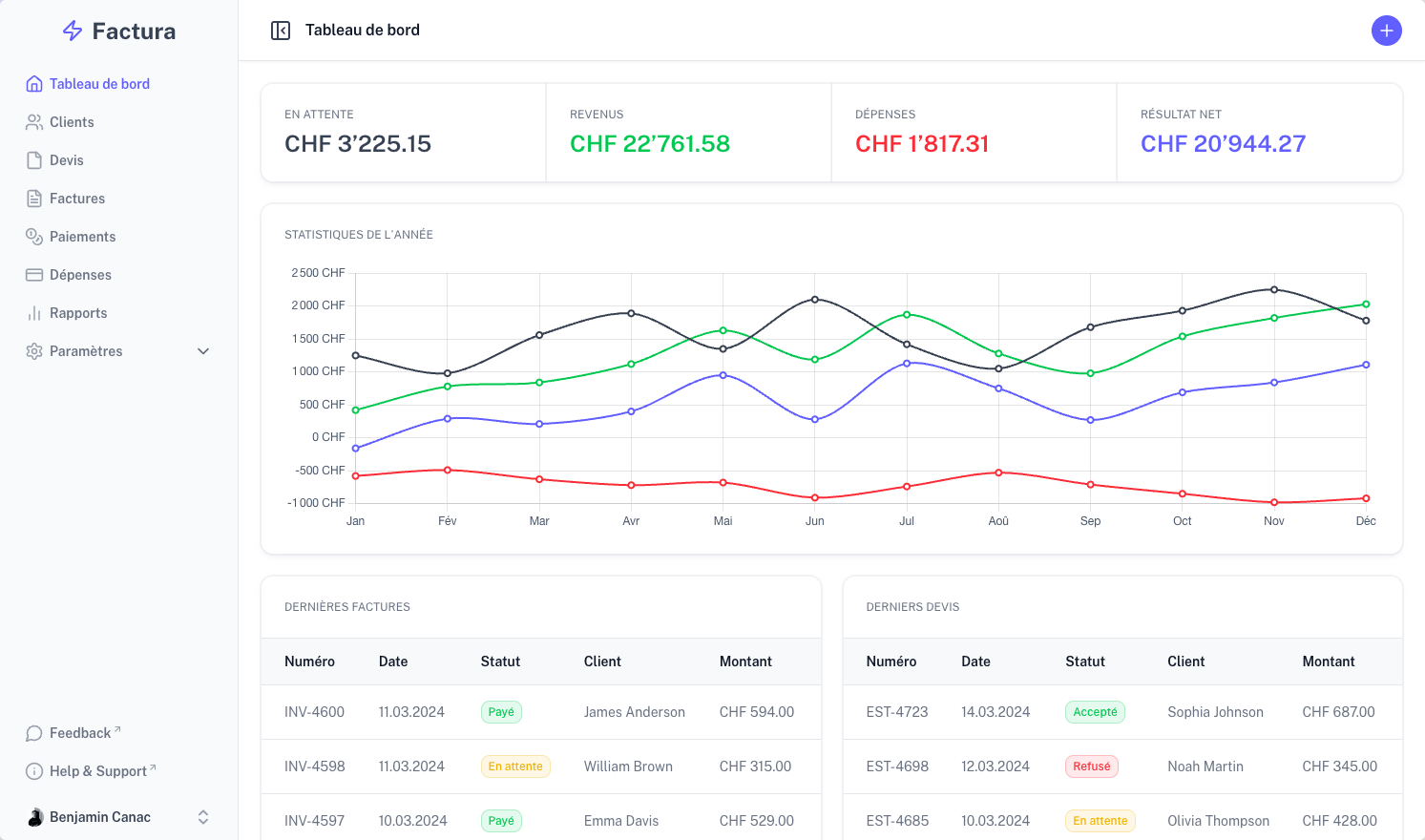
The full version of Factura offers everything you need to manage your business
Are you interested in Factura ?
Test our application for free for 14 days. No commitment and no credit card required!